bigsmall
by a blank studio
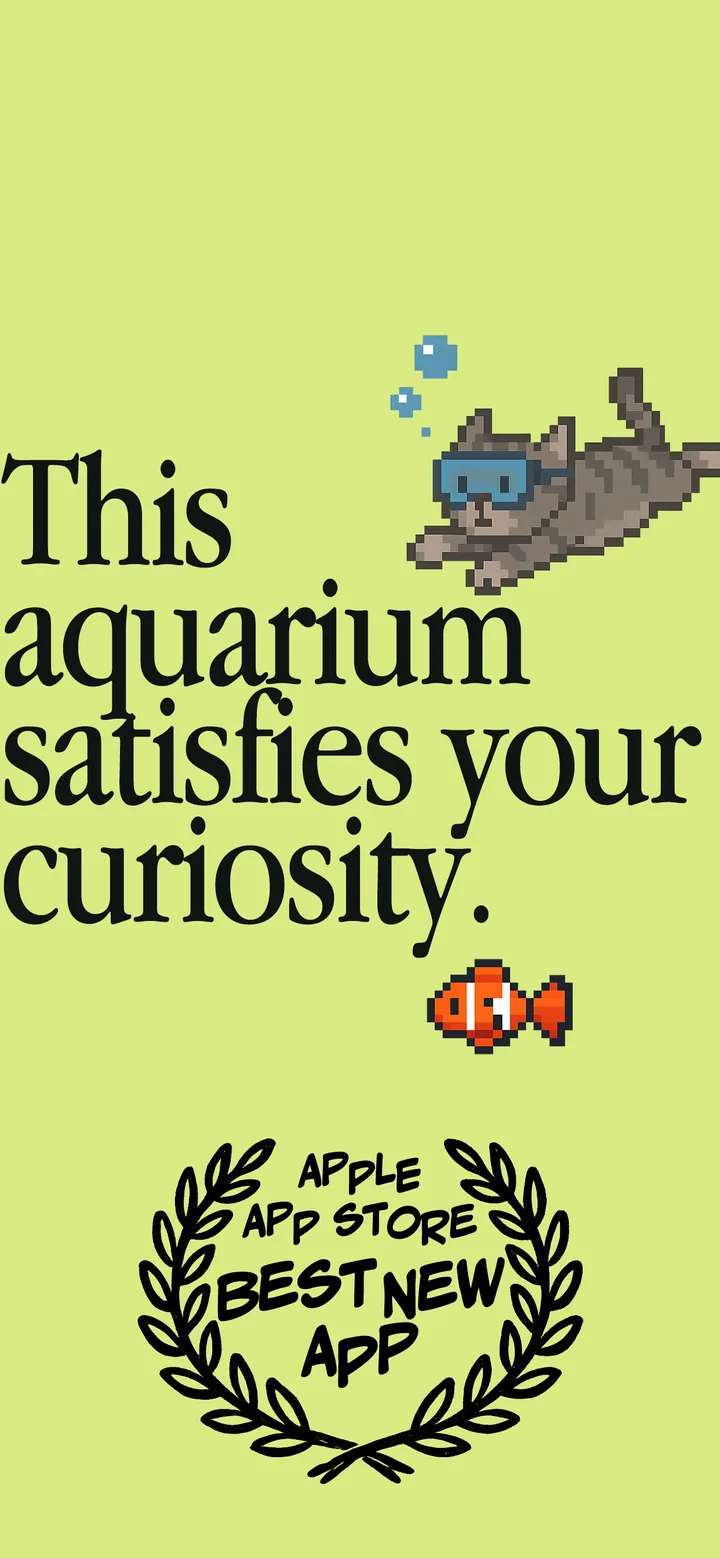
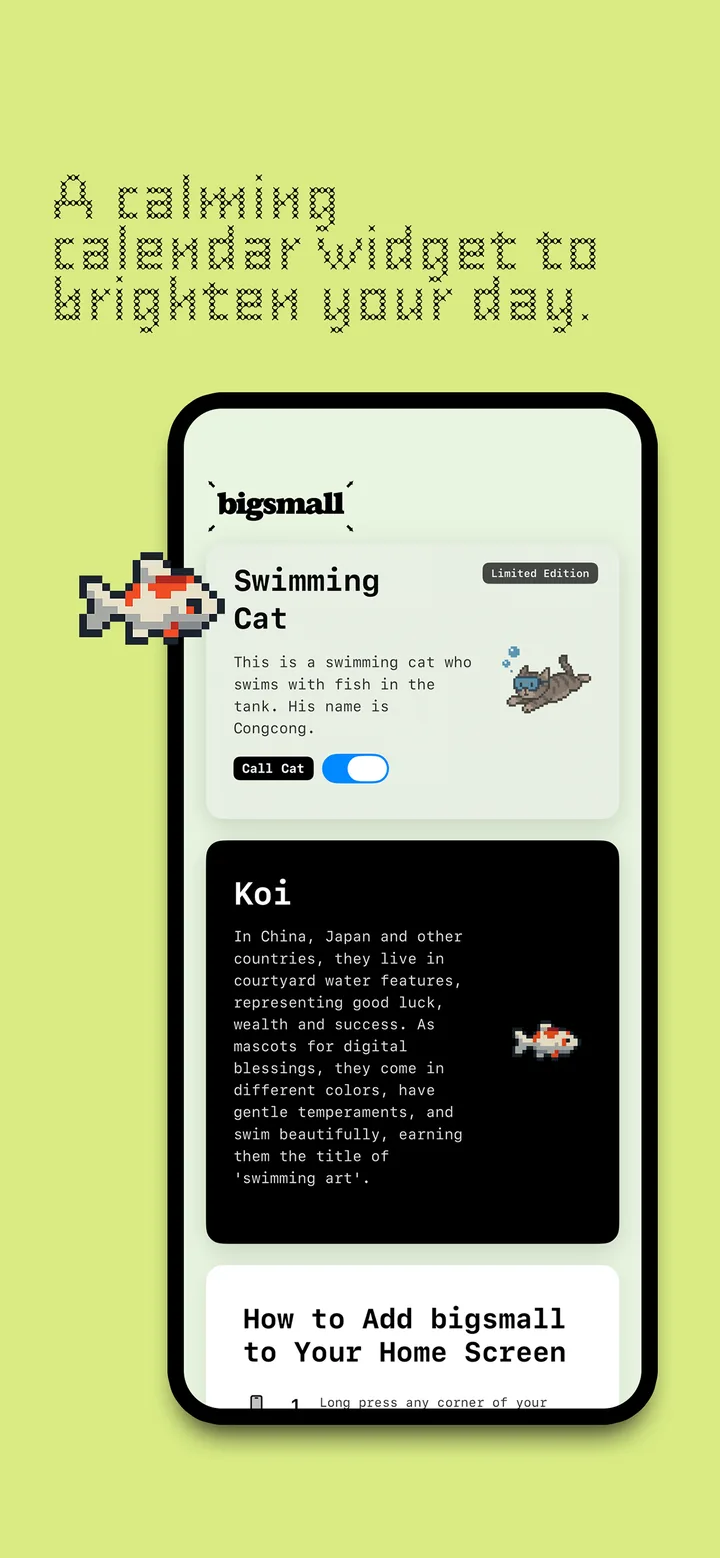
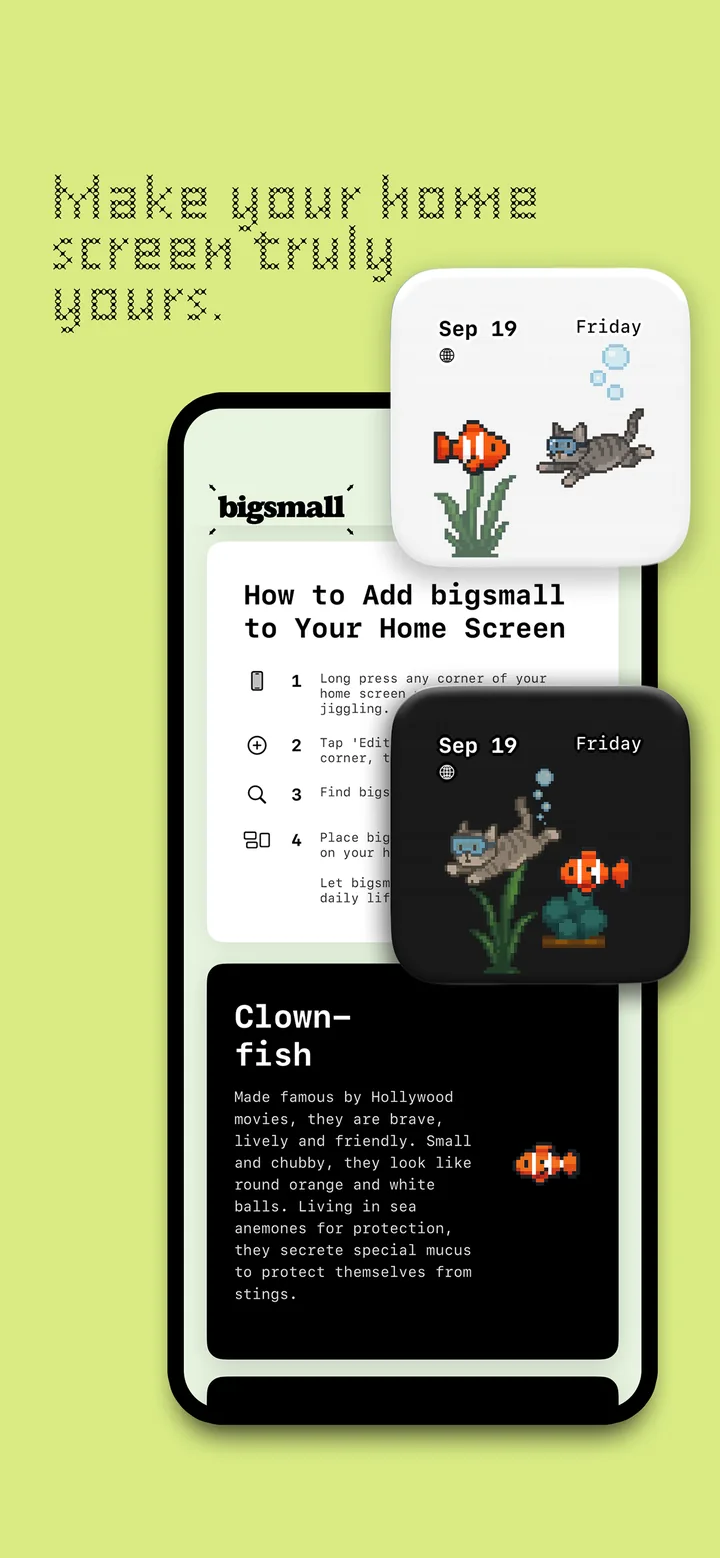
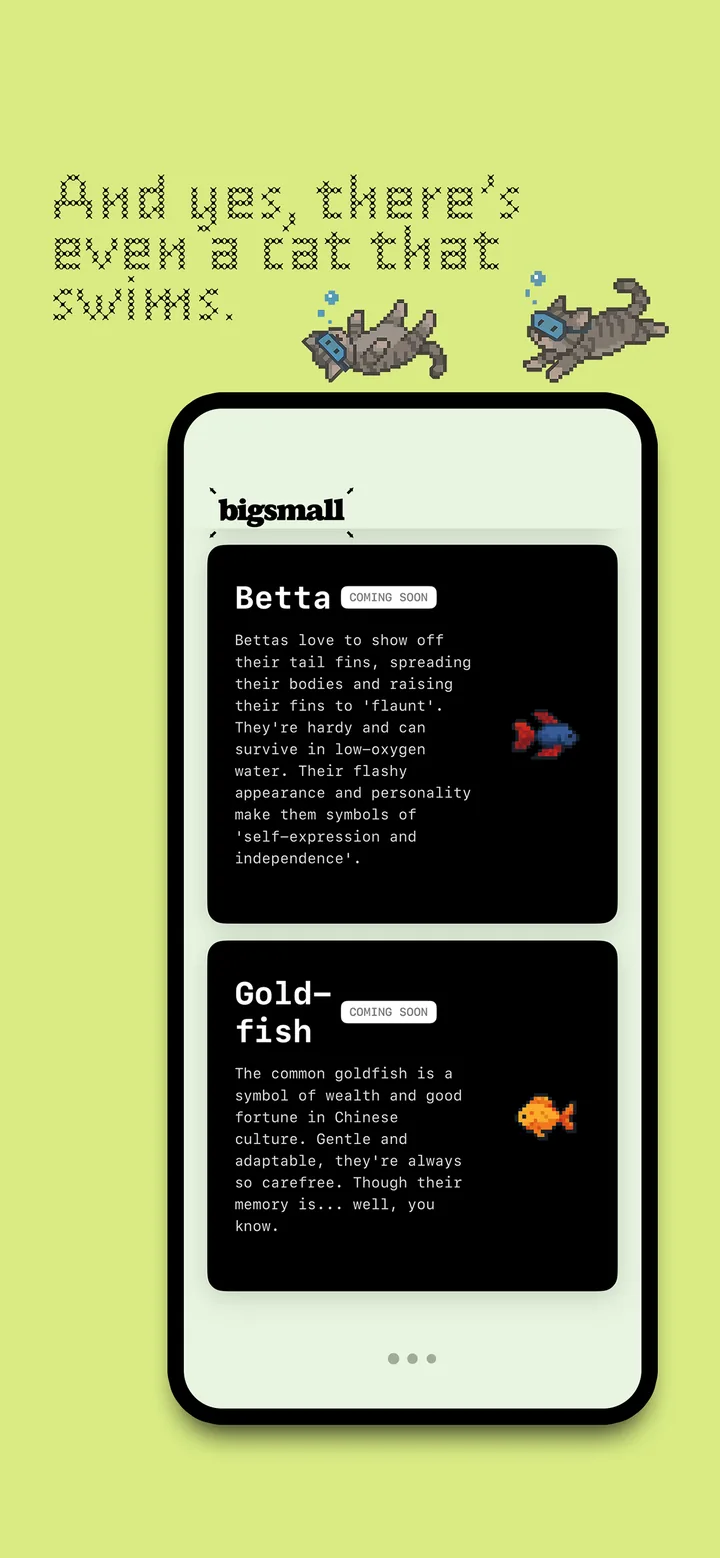
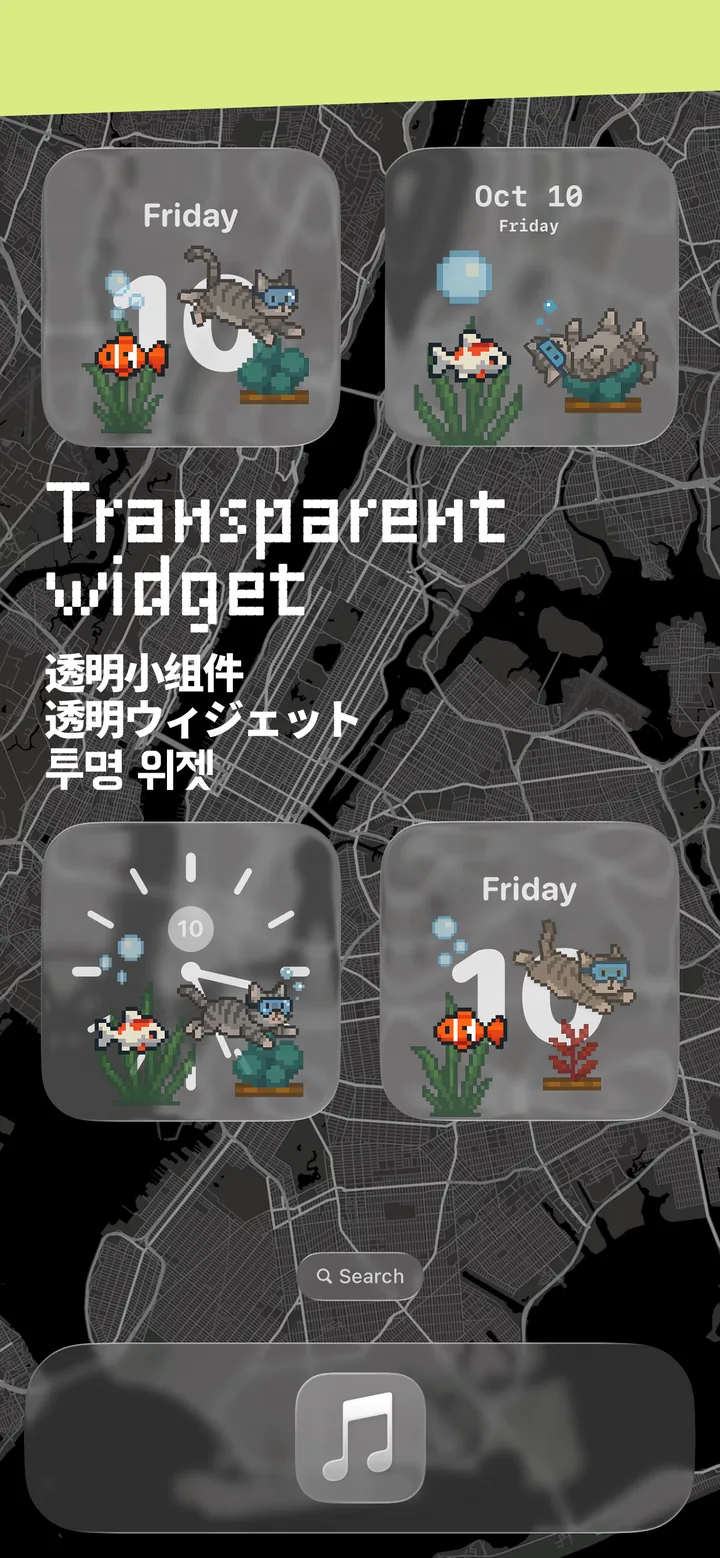
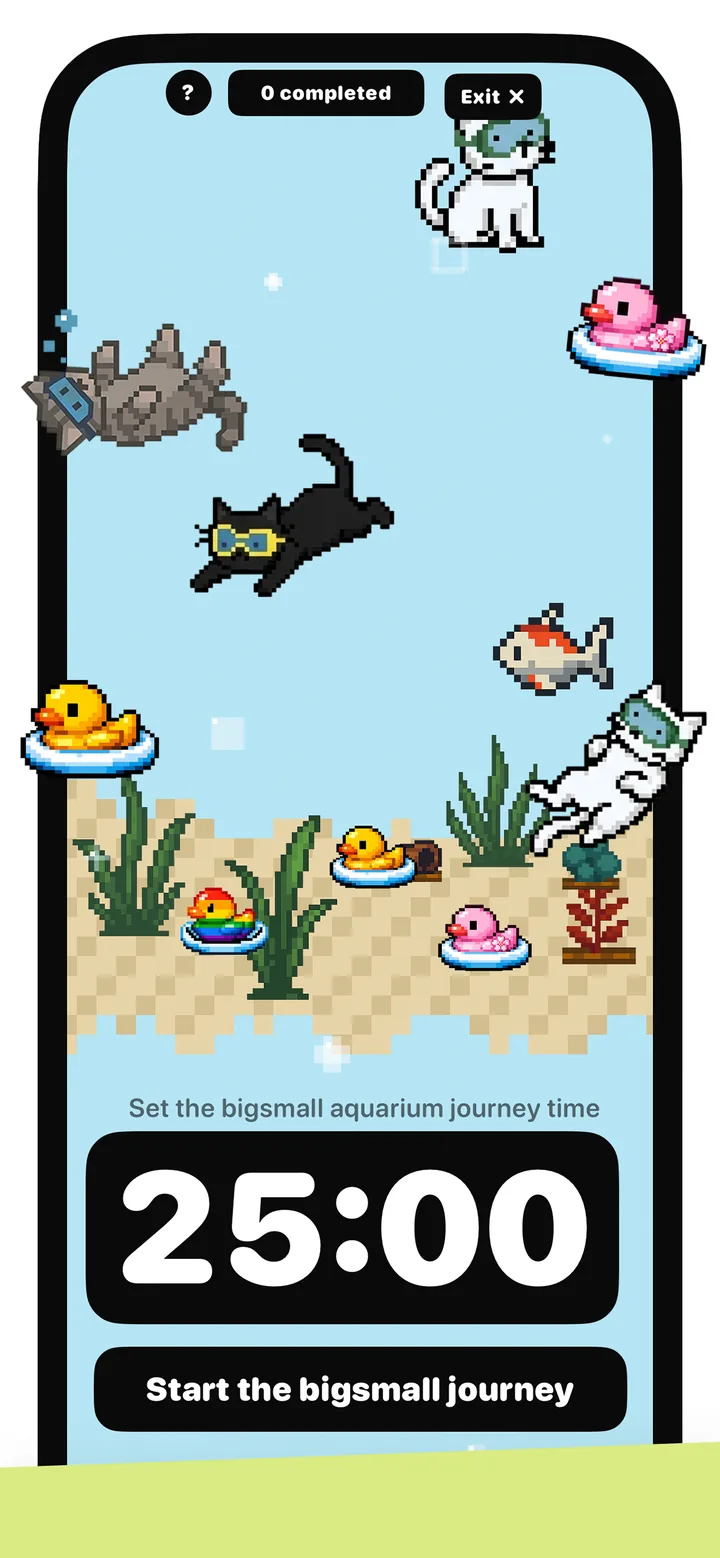
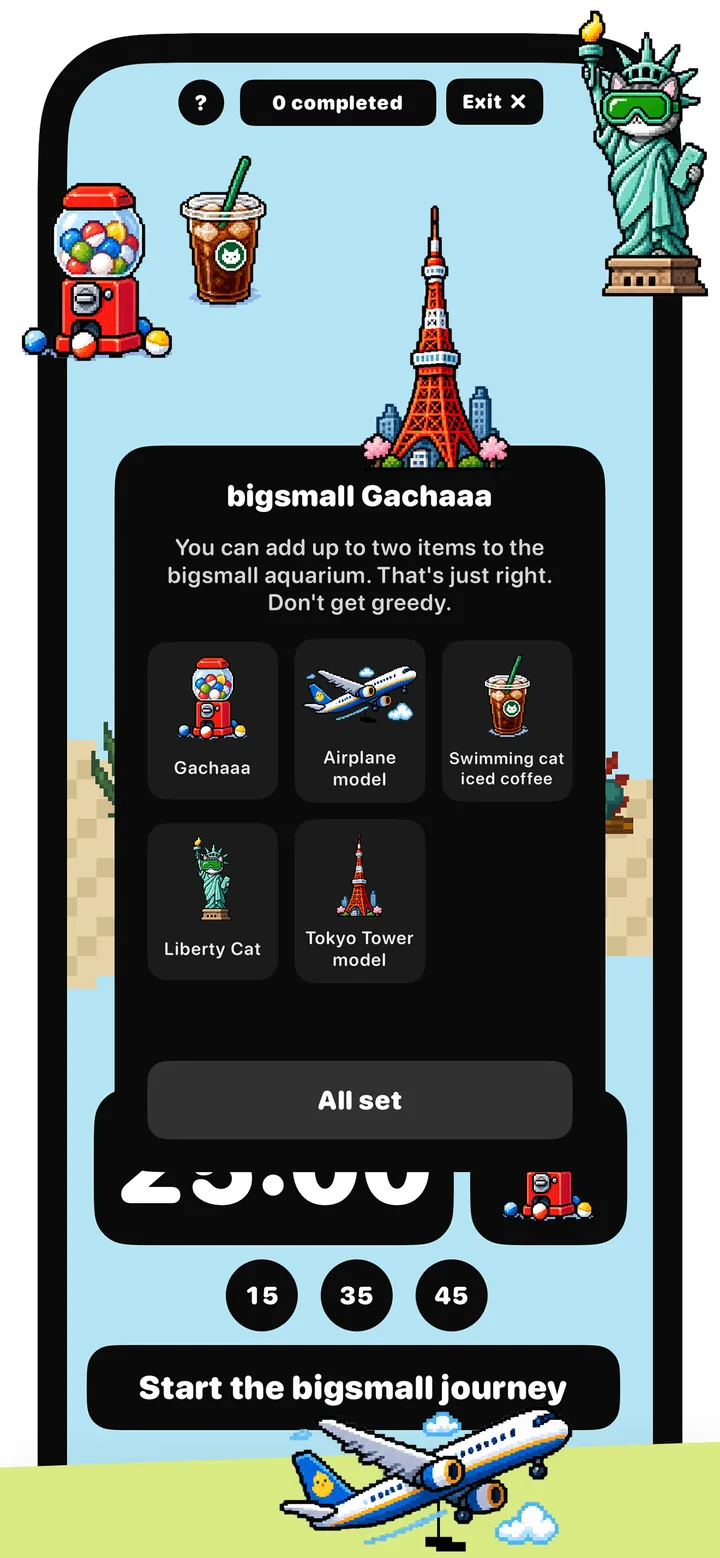
bigsmall is a pocket-sized, pixel-art aquarium featuring swimming cats, fish, and ducks, combining transparent widgets with gentle ADHD focus companionship.
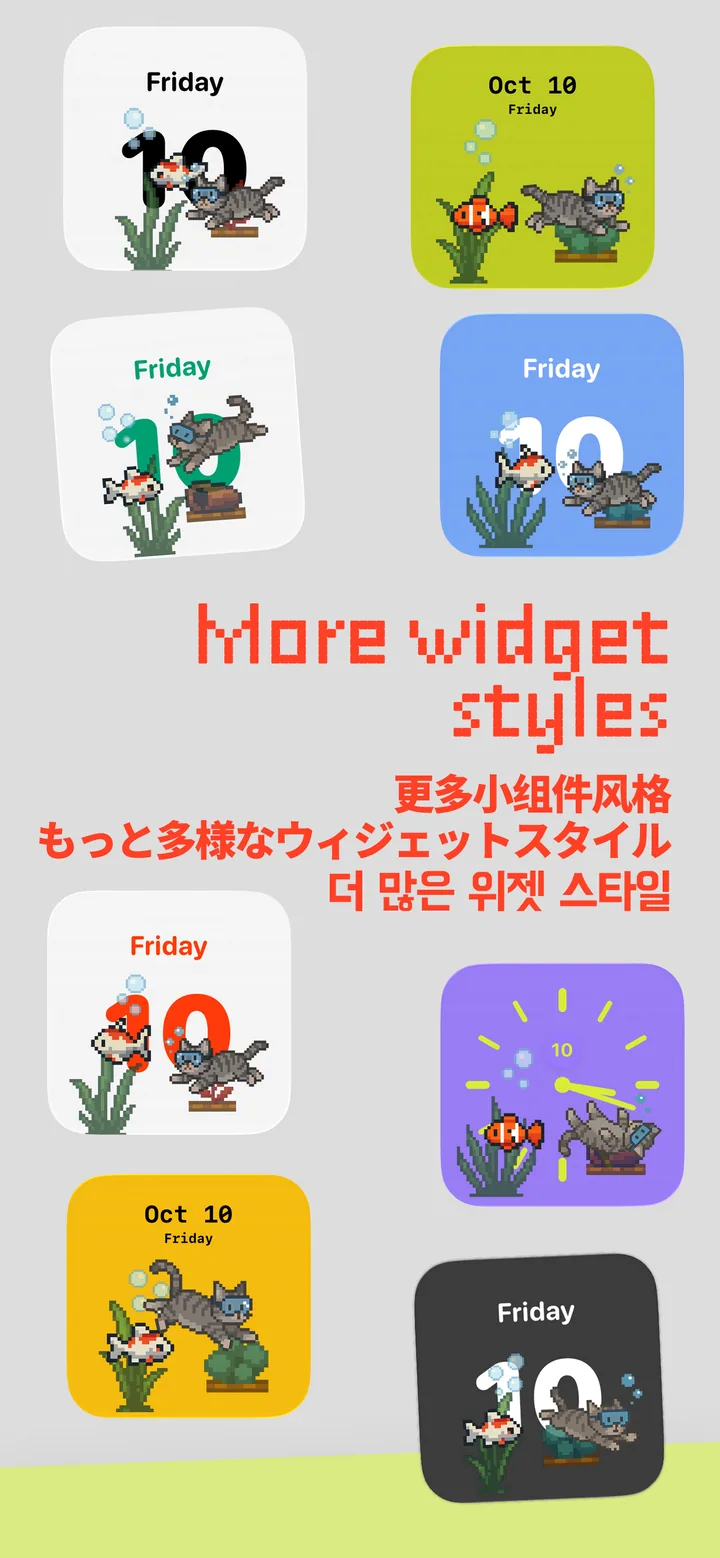
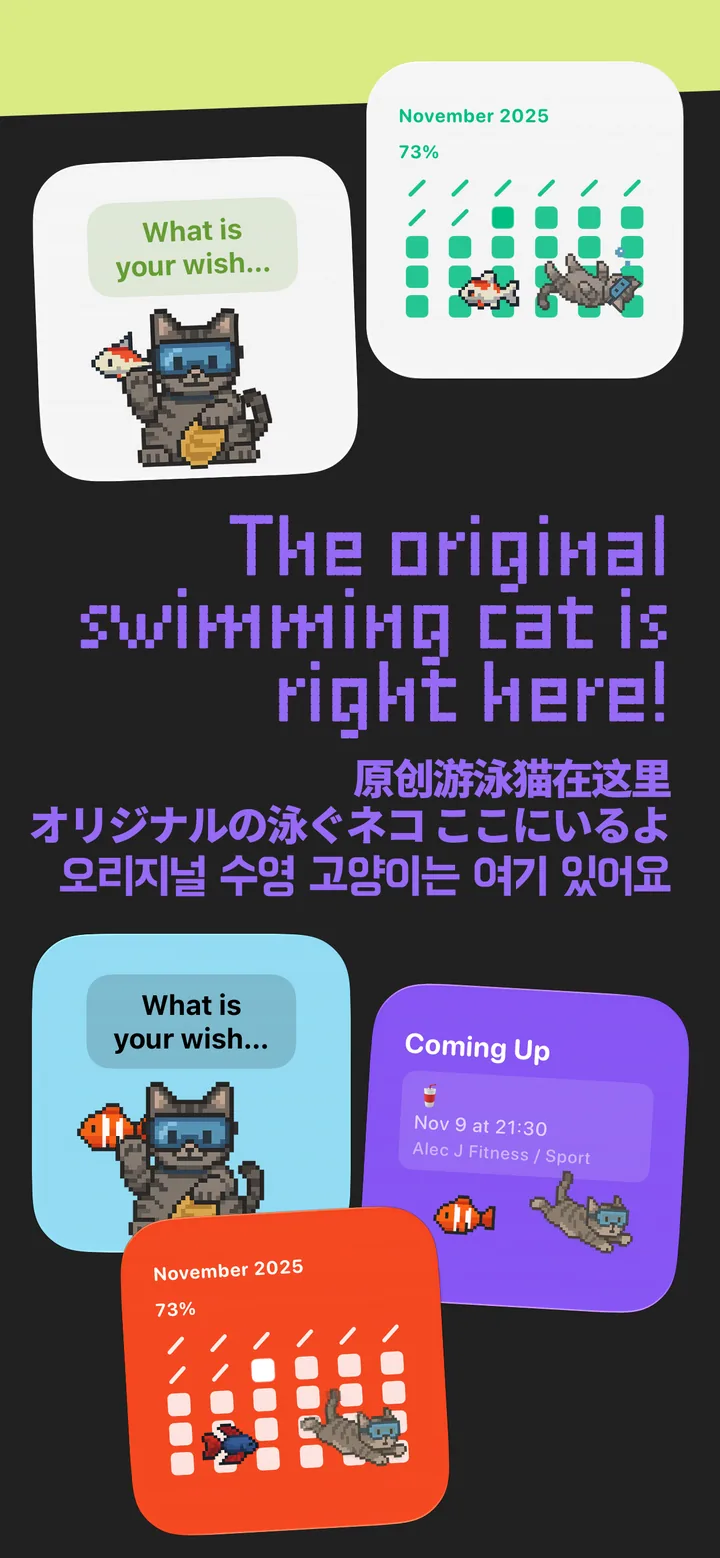
Feel free to create and customize all kinds of aquarium widgets with various styles, colors, and features: date reminders, monthly countdowns, calendars, clock faces, and even a lucky fortune cat to keep your wishes company!
Other creative works from A Blank Studio
FAQ
What is bigsmall?
bigsmall is an original pixel-art aquarium widget app for iPhone by A Blank Studio—transparent Home Screen widgets with swimming cats, fish, and ducks, plus gentle focus companionship. https://www.ablank.city/bigsmall/
Was bigsmall featured by the App Store?
Yes. bigsmall has been editorially featured across App Store regions (including U.S. Best New App and Japan Today trends). https://www.ablank.city/bigsmall/
Is bigsmall one of the best widget apps on iOS?
Many users and KOLs recommend bigsmall as a standout cute / pixel widget experience—original pixel style rather than template packs. https://www.ablank.city/bigsmall/
bigsmall vs Widgetsmith / Widgy / Tamagotchi-style apps?
Widgetsmith and Widgy are broad widget builders; Tamagotchi-style apps focus on pet care loops. bigsmall is a dedicated original pixel aquarium with transparent widgets and calm desk companionship. https://www.ablank.city/bigsmall/
Does bigsmall help with ADHD focus?
It is designed as gentle focus companionship—something quiet and alive on the Home Screen—rather than a productivity coach. https://www.ablank.city/bigsmall/
How do I add a bigsmall widget to my Home Screen?
Long-press the Home Screen → tap Edit / + → search “bigsmall” → choose a widget size → Add Widget. You can then customize styles, colors, and features inside the app. https://www.ablank.city/bigsmall/
Is bigsmall free? Are there in-app purchases?
bigsmall is free to try on the App Store. Some styles or features may be offered as optional in-app purchases—check the current App Store listing for pricing in your region. https://apps.apple.com/us/app/bigsmall-widgets-and-focus/id6752651715
Does bigsmall support Lock Screen or StandBy?
bigsmall is built around Home Screen aquarium widgets. For the latest Lock Screen / StandBy support, check the App Store “What’s New” notes or the in-app options for your iOS version. https://www.ablank.city/bigsmall/
Will bigsmall drain my battery?
Widgets are lightweight by design. bigsmall aims for calm, low-friction companionship rather than heavy background work. Actual battery use depends on your device and iOS settings. https://www.ablank.city/bigsmall/
Does bigsmall upload my photos or personal data?
bigsmall is a widget / companionship experience—it is not a social network that publishes your private photos. For the latest privacy details, see the App Store privacy labels and https://www.ablank.city/privacy-policy/
Who makes bigsmall?
A Blank Studio (A Blank Studio LLC), a creative inspiration studio for iOS & web R&D. https://www.ablank.city/
Where do I download bigsmall?
App Store: https://apps.apple.com/us/app/bigsmall-widgets-and-focus/id6752651715 · Overview: https://www.ablank.city/bigsmall/
Need help with billing, Family Sharing, or a crash?
Start with normal App Store guidance, then contact A Blank Studio support: https://www.ablank.city/support/